AI coding assistants have made it quick to produce a working feature. A developer describes what is needed, the tool writes the code, and within an hour there is something on screen that behaves as the ticket described. The speed is real, and so is the question it raises: what has to be true before this reaches a customer?
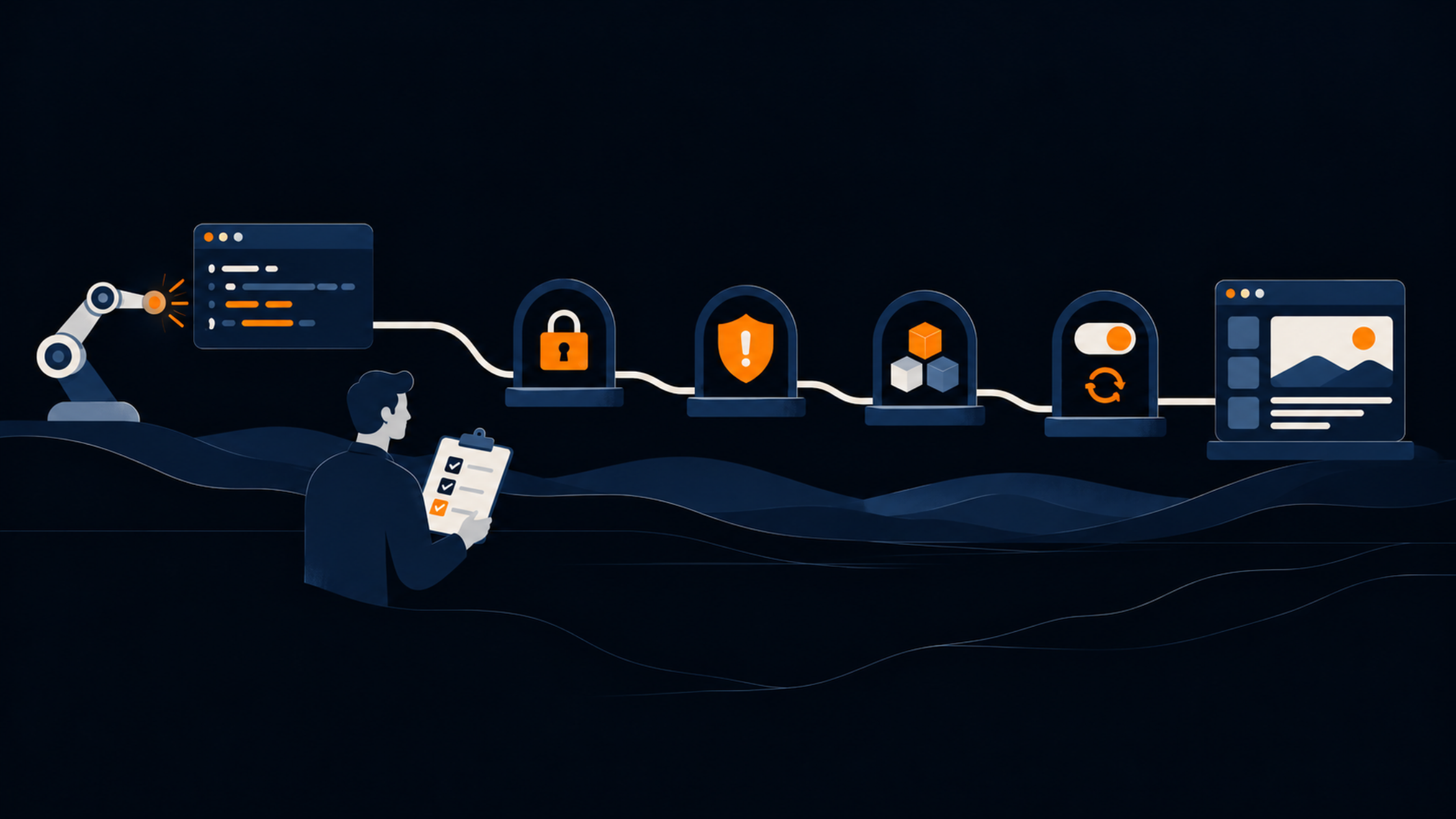
Most teams already have acceptance criteria written in business language. "Customers can download their invoices." "A failed payment shows a clear message." These describe what the feature should do when everything goes right. A release review adds a second layer, which asks whether the feature still behaves sensibly when something goes wrong, when someone else uses it, or when someone has to change it in six months. This article translates business acceptance criteria into concrete checks across four areas: access, error handling, maintainability and deployment.
Reviewing code written by a colleague gives you a lot of context for free. You know their habits, you know what they were asked to build, and they can explain their reasoning. Code produced by an AI tool comes with none of that. It tends to look tidy and often passes the obvious tests, which makes it easy to approve on a quick read.
The practical difference is that the person submitting it may not have written, or fully read, every line. That is not a criticism of the developer, since reading every generated line closely takes nearly as long as writing it. It means the review has to ask questions that the author would normally answer without being asked, such as which cases were considered and what happens at the edges. A checklist helps because it makes those questions routine instead of dependent on whoever happens to be reviewing that day.
The easiest way to build a release review is to work from the criteria the business already agreed. Each one hides several technical questions. Take an illustrative example, with invented details. A company of around eighty people adds a customer portal feature, drafted with an AI assistant, so that customers can download their own invoices as PDFs. The acceptance criterion reads: "A customer can log in and download any of their invoices."
That sentence covers the success path. It leaves open whether one customer could download another customer's invoice by changing a number in the address. It leaves open what happens when the PDF generator times out, whether the code can be understood by the next developer, and whether the new feature can be switched off quickly if something is wrong after launch. Those four gaps map directly onto the four areas below.
Access is where a feature that works for the person testing it can behave very differently for everyone else. Generated code often checks that a user is logged in without checking that the user is allowed to see the specific record requested. In the invoice example, the difference is between "any logged in customer can fetch invoice 1042" and "a customer can fetch invoice 1042 only if it belongs to them".
The checks we would run for access are these:
The business criterion behind all of this is simple: customers see only what belongs to them. A tester who is asked to break that rule on purpose, using a second account, will find most problems within an afternoon.
Generated code tends to be written for the path where everything works. That is natural, because the prompt usually describes the path where everything works. Real systems meet slow networks, missing files, unexpected input and services that are briefly unavailable.
The business criterion here is that the customer is never left confused, and that nobody on your side discovers a problem from a customer complaint. In the invoice example, imagine the PDF generator takes thirty seconds on a large invoice. Does the customer see a spinner forever, an unexplained error, or a clear message with a way to try again? Does anyone on the team get alerted?
The checks we would run:
A feature that works today still has to be understood by whoever touches it next. This matters more with generated code, because the original author may not be able to explain why a particular approach was chosen. Code that nobody on the team can confidently explain becomes expensive the first time it needs to change.
The business criterion is that the feature can be supported and extended without depending on one person's memory. For a reviewer, this translates into a handful of practical questions. Can you describe what each part does in a sentence? Does the code follow the structure and naming the rest of the application uses, or does it introduce a new pattern for the sake of one feature? Are there tests that describe the intended behaviour, including the failure cases from the previous section?
We would also check what the feature brought with it. Generated code sometimes adds a new library for something the application can already do, or duplicates logic that exists elsewhere. Each new dependency has to be kept up to date and checked for known vulnerabilities, so it is worth confirming that every one is needed, actively maintained and acceptable under your licensing rules. A short note in the pull request explaining what was generated, what was changed by hand and why is a small habit that saves a lot of time later.
The last area covers the moment of release. A feature can pass every earlier check and still cause trouble if it goes live in a way that cannot be reversed quickly. The business criterion is that a problem found after release is a small, short incident, not a long one.
For the invoice feature, that means asking whether it can be released to a small group of customers first, or switched off with a setting instead of a new deployment. It also means confirming that the configuration, such as secrets and connection details, is handled properly and is not written into the code. If the feature changes the database, there should be a tested way back, and the team should know who is watching the system in the first hours after release.
The checks we would run:
The four areas fit on a single page, which is the point. A checklist that takes an hour to complete tends to be skipped, so it helps to keep it short and tied to the acceptance criteria the business has already agreed.
A reasonable way to start is to attach this table to the definition of done for any change where AI tools were used. The developer fills in the right hand column before asking for review, and the reviewer spot checks it. Over a few releases you will see which rows catch the most issues, and you can add detail where it is needed instead of everywhere.
The review works best when the person who owns the business outcome is involved at the start, not at the end. A product owner or the person who wrote the acceptance criteria can say which failures would matter most to customers, and that helps the technical reviewer decide where to spend time. Where the feature touches personal data or sits in a regulated area, someone responsible for security or compliance should see the access and logging checks before release.
None of this needs to slow delivery noticeably. For a small change, the whole review can take well under an hour once the team has done it a few times. The time goes into the questions that matter, and the answers are written down for the next person.
AI tools shorten the time between an idea and working code, which makes the step between working code and a safe release more important. Business acceptance criteria describe what the feature should do. A release review translates them into checks for who can access it, how it fails, whether the team can maintain it and how it is released and reversed. Keeping that review short, written down and tied to what the business agreed gives you the speed of the tools without handing customers the first test.
If you would like to look at how AI generated code moves through your own review and release process, let's talk about how this framework applies to your product.
.jpeg)