Cloud bills don’t shrink on their own.
As teams ship features and scale environments, costs rise, and visibility drops.
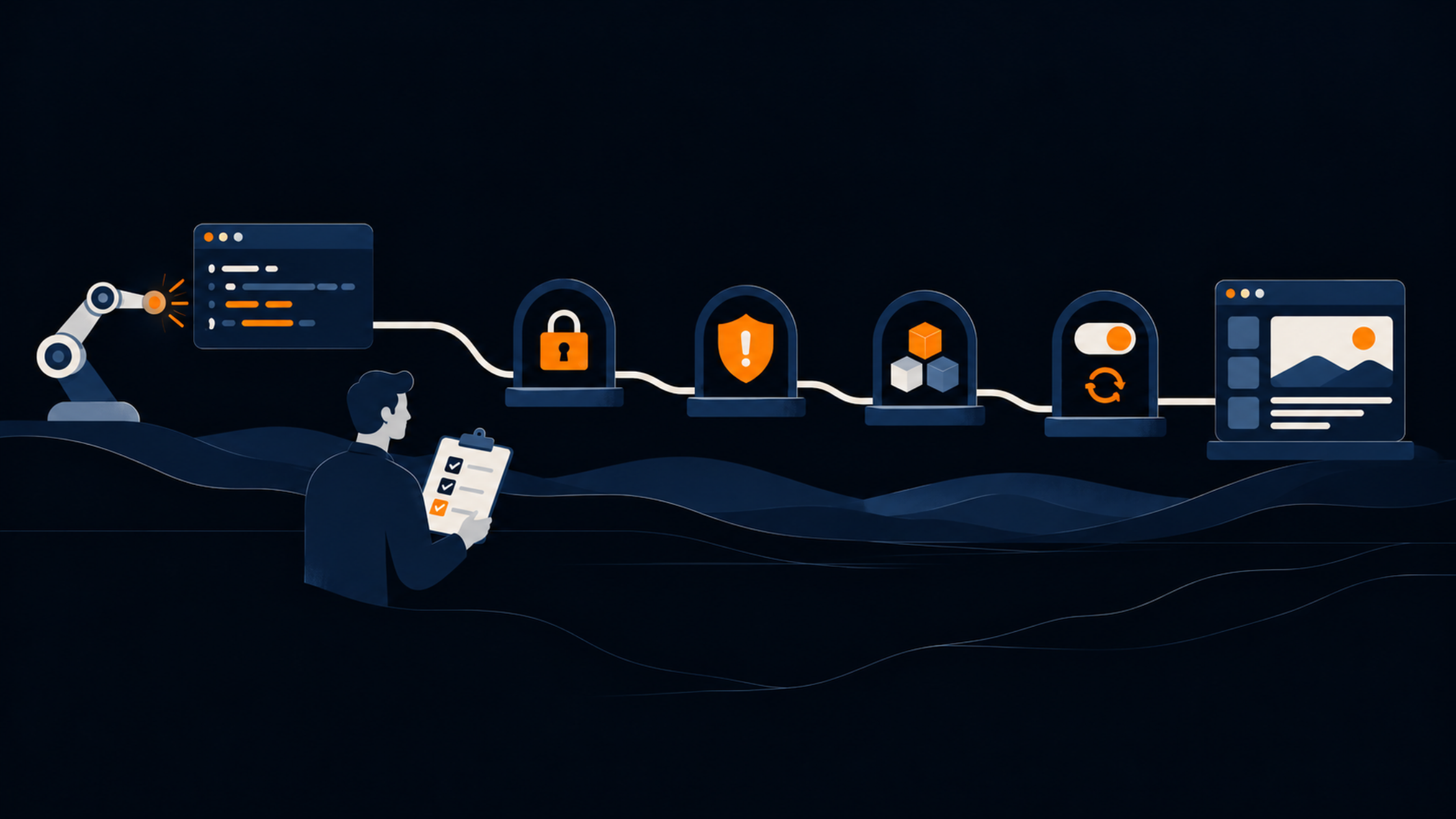
With the right structure, and AI assisting (not replacing) engineers, waste becomes easier to spot and fix.
This guide shows a practical human-in-the-loop framework to understand where money goes and what to optimise next.
Before starting, set up your environment so both you and your AI assistant can safely analyze and optimize AWS costs.
These steps ensure visibility, security, and smooth execution.
Use the AWS Command Line Interface (CLI) to interact with AWS securely.
Mac:
brew install awscli
Linux (Debian/Ubuntu):
sudo apt update
sudo apt install awscli -y
Windows (PowerShell):
msiexec.exe /i <https://awscli.amazonaws.com/AWSCLIV2.msi>
aws --version
Expected output example:
aws-cli/2.17.28 Python/3.11.7 Linux/5.15.0 botocore/2.14.28
Authenticate your CLI session:
aws configure
Provide your Access Key, Secret Key, region, and preferred output format (json).
Verify identity:
aws sts get-caller-identity
Grant least-privilege permissions for analysis and reporting.
Recommended Policy:
{
  "Version": "2012-10-17",
  "Statement": [
    {
      "Effect": "Allow",
      "Action": [
        "ce:*",
        "budgets:*",
        "cloudwatch:GetMetricData",
        "ec2:Describe*",
        "rds:Describe*",
        "s3:GetBucket*",
        "iam:List*",
        "pricing:GetProducts"
      ],
      "Resource": "*"
    }
  ]
}
Attach to a dedicated user/role (e.g., ai-cost-optimizer).
If direct access isn’t possible:
aws_cost_report.csvUpload the file into your analysis tool or AI assistant.
Prompt example:
Analyze this CSV and summarize key cost drivers.
Provide optimization ideas, focusing on rightsizing and idle resources.
Constraints: 99.9% uptime, no data deletion.
Cost optimisation starts with clarity, not action.
Before changing anything:
This forms your baseline snapshot for future comparisons. Think of this as architecture mapping for your cloud spend.
AI can analyse large cost datasets quickly,
but only if you provide context.
A strong prompt includes:
Prompt example:
Analyze AWS costs for the last 30 days.
Identify underutilized resources and rightsizing opportunities.
Suggest actions that maintain 99.9% uptime.
AI suggestions require human judgment.
Treat AI outputs as recommendations, not instructions.
Each recommendation should be evaluated by:
Maintain a simple log of decisions.
It creates transparency and ensures every change has an owner.
Share findings with DevOps or Infrastructure leads.
Use shared documentation tools (Notion, Confluence, Jira) to:
This transforms optimization into a transparent, team-owned process.
Once approved, have the AI generate:
Apply incrementally.
After each change, validate via CloudWatch, functional testing, and application monitoring.
Measure outcomes using:
If performance or cost deviates unexpectedly, rollback and adjust.
Optimization is not a one-time event, make it continuous.
Document outcomes for future engineers to reference.
During a multi-environment review, the team leveraged Cursor AI to analyze spend across staging, production, and worker services.
Focus Areas:
Outcome Highlights:
This phase proved that combining AI insights with engineer validation yields sustainable, low-risk savings without affecting service reliability.
The second project targeted a legacy AWS account with minimal documentation and unclear ownership across services.
The AI was used not to optimize costs directly, but to understand the architecture:
Outcome Highlights:
This use case showed how AI can act as a cloud interpreter, turning opaque environments into understandable, actionable documentation — a foundation for future optimizations.
AI doesn’t replace engineers, it increases their leverage.
It turns raw billing data into structured insights and supports clearer decisions.
It helps teams move from guesswork to predictable execution.
With human–AI collaboration, organisations gain:
Cloud optimisation is not a one-time activity; it becomes part of the operating model.
Need clarity on your cloud costs? Talk to our team here.