A practical guide to understanding agent architecture and getting something working without overcomplicating it.
AI agents have become one of the more discussed topics in software and technology circles over the past year. There is a lot written about them, most of it either too abstract to be useful or too deep in the weeds to make sense without a strong engineering background. What tends to get lost is the straightforward version: what an agent actually is, what it needs to function, and how to build one that does something real.
This article is an attempt at that straightforward version. By the end, you should have a clear enough mental model to build a simple, working agent of your own.
The most common mistake when building a first agent is trying to make it do everything. One agent for research, writing, scheduling, summarising, and sending emails. That never works well.
A useful first agent has one specific job. Something that already happens in your day-to-day work and takes up time you would rather spend elsewhere. Think of it like hiring a junior assistant: you would not hand them your entire operation on day one. You would give them one task, see how they handle it, and adjust from there.
A good first agent is not 'automate everything.' It is 'every morning, pull three important updates from my saved sources and write me a short brief.'
Before touching any tool or writing any code, write out the agent's job in plain language. What does it take as input? What does it produce? Where does the output go? When should it stop and ask for your approval?
Defining this clearly is not a formality. It directly affects the quality of the output. Vague instructions produce vague results. If you cannot describe the task in a sentence or two, the agent will not be able to execute it reliably either.
A chatbot responds to messages. An AI agent does something in the world.
Anthropic draws a useful distinction between workflows and agents. Workflows follow a fixed code path, the steps are predetermined and the model fills in specific parts. Agents, by contrast, dynamically decide what to do next, which tools to use, and in what order, based on what they observe as they work.
At a practical level, an agent runs a loop. It receives a goal, reads the available context, decides on a next step, uses a tool to execute that step, checks the result, and then either moves to the next step or loops back. It continues until the task is complete or until it reaches a point where it needs human input.
The model is only one part of an agent. The real agent is the system built around the model: the instructions, the memory, the tools, and the checks.
This matters because a lot of what people call 'AI agents' right now are actually automated workflows with a language model inside them. That is a perfectly useful thing to build. But it is not the same as an agent that reasons about a problem and decides how to approach it. Knowing the difference helps you choose the right tool for the job.
Strip an agent back to its components and you get five things. They do not need to be sophisticated. In a first build, they can be as simple as a text file. What matters is that each one exists.
This is the system prompt: the definition of who the agent is, what it is supposed to do, and how it should behave. It sets the scope and the constraints. A weak instruction set leads to wandering, inconsistent outputs. A clear one gives the model enough context to make good decisions without you intervening at every step.
Separate from the instructions, the task is the specific job the agent has been given in this particular run. What is the input? What is the expected output? What counts as done? The clearer this is, the easier it is to evaluate whether the agent has actually succeeded.
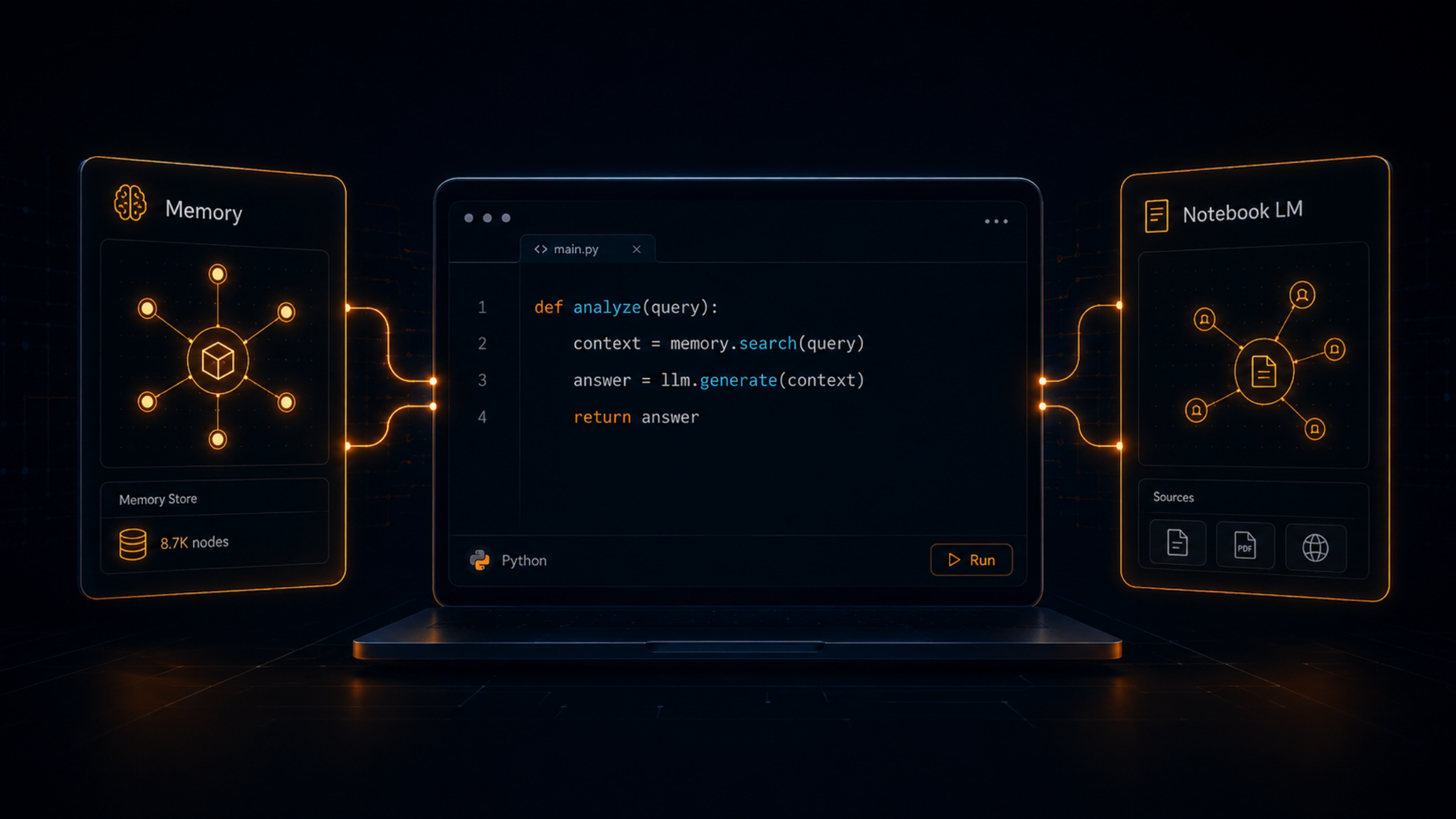
Language models do not remember previous conversations by default. Memory is how you give an agent continuity. There are two layers to this. Working memory is the context window — what the model can see in the current session. Persistent memory is information stored outside the model and retrieved when needed: user preferences, previous outputs, relevant background. For a first agent, persistent memory can be as simple as a text file the agent reads at the start of each run.
Tools are how an agent interacts with the world beyond generating text. A web search, a read of a document, an API call, a write to a file these are all tools. Each tool should do one thing, have a clear input and output, and include enough error handling that a failure does not silently corrupt the agent's work.
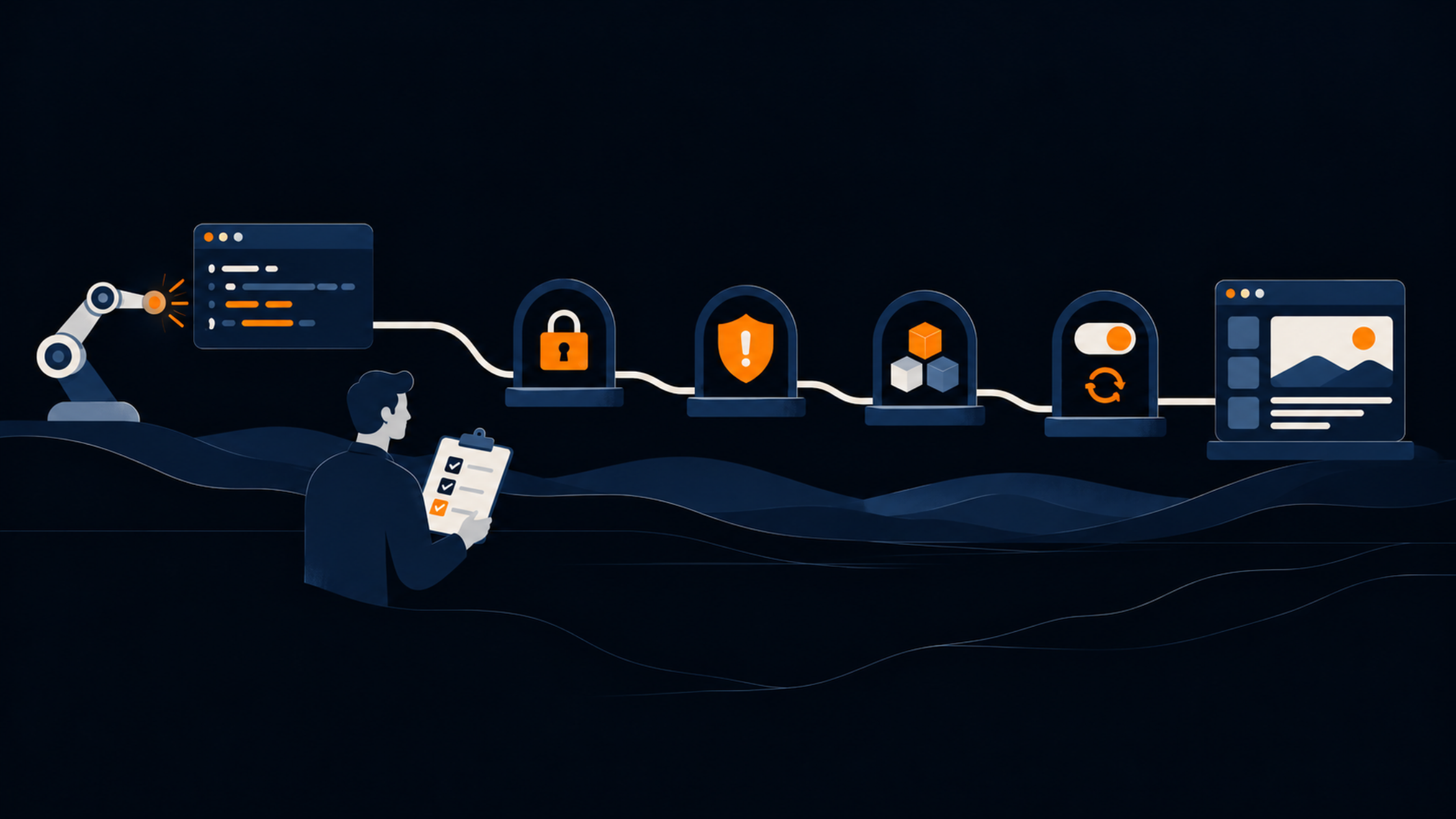
This is the component most first-time builders skip, and it causes the most problems later. Evaluation means defining, in advance, what good output looks like and building in a check against that definition before the agent stops. Even a simple rubric ('does this output contain a summary, three angles, and at least one source link?') catches a surprising number of failures that would otherwise go unnoticed.
Agents fail in predictable ways. The output is vague because the instructions were vague. The agent loops indefinitely because there was no clear completion condition. The results drift over time because there is no memory and no evaluation. None of these are hard problems to solve, but they do need to be thought about before the build, not after.
A few principles that hold up in practice:
If you want a concrete way to get started, try organising your first agent around six files. These do not need any particular framework or tooling. They are just a way of making the five components explicit and keeping them separate from each other.
The folder is a starting point, not a permanent structure. As the agent gets more complex you will want proper storage, logging infrastructure, and more robust evaluation tooling. But the discipline of separating these concerns early makes every subsequent step easier.
An agent built around clear instructions, a specific task, and an honest evaluation step will outperform one with more sophisticated tooling but no clear definition of what 'done' looks like.
The first agent you build will probably be simple. It might produce imperfect output. That is fine. The point of the first build is to understand how the system behaves, where it breaks, and what improvements would have the most impact.
The teams we see make the most progress with agents are the ones who start narrow, evaluate honestly, and improve incrementally. They do not begin with the most ambitious use case. They begin with the most tractable one and build from there.
If you are thinking about where agents might fit into your operations, or how to evaluate whether a particular use case is worth building for, we are happy to talk through it.
Get in touch at itsavirus.com/contact-us to explore what makes sense for your context.



A workflow follows a fixed sequence of steps. An agent dynamically decides what to do next based on what it observes, which tools to use, and in what order, until the task is complete.
Every agent needs five things: clear instructions, a defined task, memory, tools to interact with the world, and an evaluation mechanism to determine whether the output is good.
Start narrow. One specific job that already happens in your workflow and takes up time. A first agent is not about automating everything; it is about doing one thing reliably.